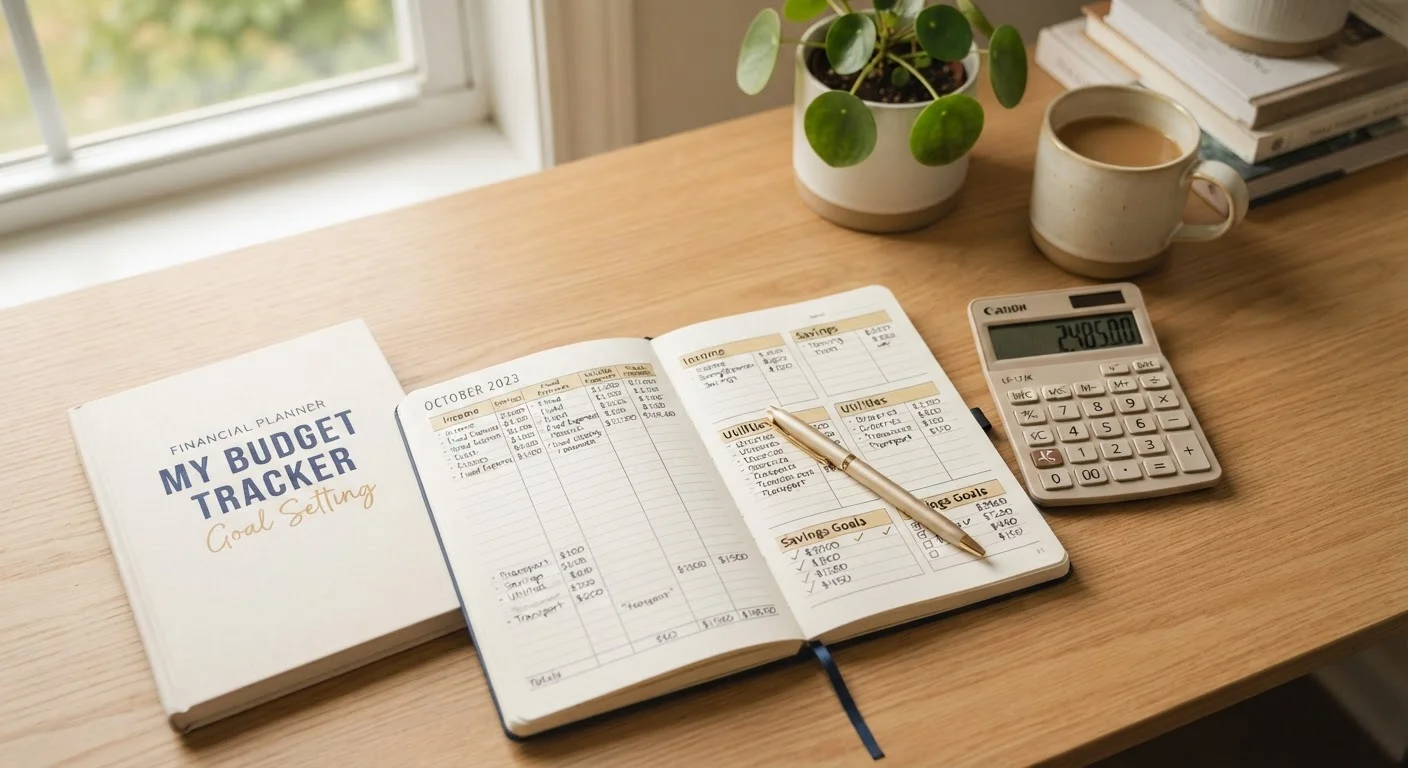
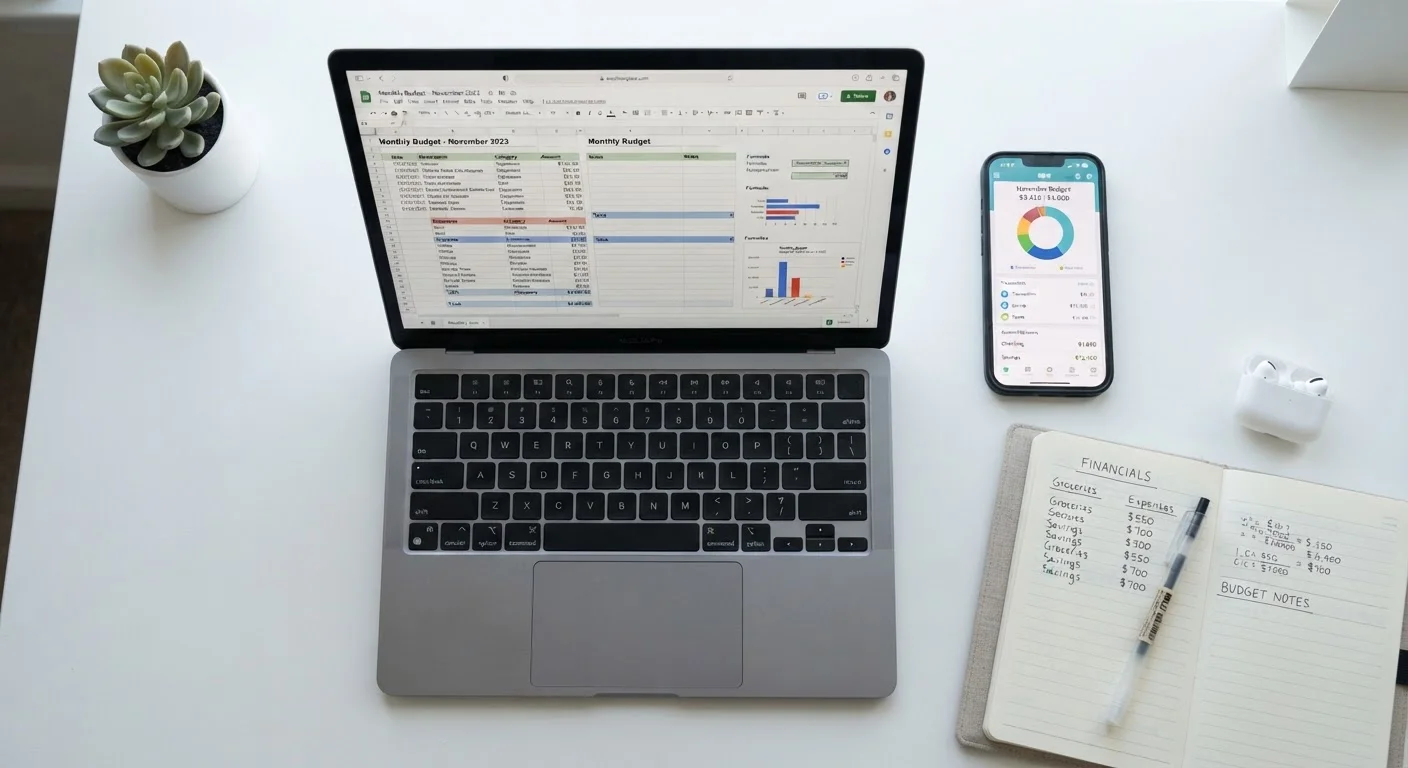
Why the Tool Choice Actually Matters
Choosing how to track your money isn't just a technical decision - it's a behavioral one. A sophisticated tool you abandon after two weeks accomplishes nothing. A simple one you check every Sunday can transform your finances over time. Before diving into features, it helps to understand what each approach fundamentally asks of you.
If you're new to structured money management, this beginner's guide to smarter spending explains the core concepts behind intentional budgeting - a solid foundation before you pick a tool.
The honest reality: most people who struggle with budgeting don't have a tool problem. They have a consistency problem. Picking the right tool reduces friction, and less friction means more consistency.
How Budgeting Apps Work - and Where They Shine
Budgeting apps typically connect directly to your bank accounts and credit cards, pulling in transactions automatically. Many categorize spending without any manual entry, send alerts when you approach a spending limit, and display visual summaries of where your money goes.
Key advantages:
- Automation: Transactions appear without you lifting a finger, which removes a major barrier to staying current.
- Real-time visibility: You can check your balances and category totals at any moment from your phone.
- Built-in structure: Most apps provide preset categories and budget frameworks, which is helpful if you don't know where to start.
- Reminders and alerts: Push notifications keep spending top of mind throughout the month.
Limitations to understand:
- Data sharing: Linking your bank accounts means a third-party company holds access to your financial data. Review an app's privacy policy before connecting accounts.
- Subscription costs: Many capable apps charge monthly or annual fees.
- Less flexibility: Customizing categories or tracking unique income streams can be clunky depending on the platform.
For people managing shared household finances, budgeting as a household covers how couples can approach these tools together.
| Budgeting Apps | Spreadsheets | |
|---|---|---|
| Setup effort | Low - guided onboarding | Medium to high - build or customize template |
| Data entry | Mostly automatic | Manual, ongoing |
| Customization | Limited by app design | Fully customizable |
| Privacy | Requires sharing bank access | Data stays with you |
| Cost | Often free tier; paid plans common | Free tools widely available |
| Mobile access | Excellent | Workable but limited |
| Best for irregular income | Limited flexibility | Strong - fully adaptable |
| Spending awareness built in | Passive - automated alerts | Active - manual entry reinforces habits |
How Spreadsheets Work - and Where They Excel
A spreadsheet - whether in Google Sheets, Excel, or a similar program - puts you in full control. You design the layout, define the categories, and enter transactions yourself. That manual process is both a strength and a weakness.
Key advantages:
- Complete customization: Build a budget that mirrors your actual life - irregular income columns, custom savings goals, project-based tracking, or anything else you need.
- Privacy: No third-party account connections. Your data stays local or within your own cloud storage.
- No recurring cost: Free templates exist for nearly every budgeting style, and basic spreadsheet software is widely available at no charge.
- Deeper awareness: Manually entering transactions forces you to see every dollar, which many people find builds stronger money habits over time.
Limitations to understand:
- Time investment: Keeping a spreadsheet accurate requires regular data entry. Skip a few weeks and it becomes a chore to catch up.
- Setup effort: Building a useful template from scratch takes time and some comfort with formulas.
- No automatic alerts: You won't be notified if you've overspent a category - you have to check.
Spreadsheets are particularly well-suited for freelancers and self-employed individuals whose income varies. Budgeting with irregular income requires the kind of custom structure that spreadsheets handle naturally.
Matching the Tool to Your Habits
The questions below can guide your decision more reliably than any feature comparison:
- How consistent are you with manual tasks? If you regularly forget to log receipts or reconcile accounts, an app's automation will serve you better.
- How comfortable are you with data privacy trade-offs? If linking financial accounts to a third-party app gives you pause, a spreadsheet eliminates that concern entirely.
- How complex is your financial picture? Multiple income streams, freelance invoices, or non-standard expense categories often fit a custom spreadsheet better than a rigid app interface.
- Do you need mobile access? Apps win here. Spreadsheets on mobile are possible but often cumbersome.
For a broader look at which tracking methods tend to stick across different personality types, see tracking spending habits that actually work.
Some people use both: an app to capture daily transactions automatically, and a monthly spreadsheet review to spot patterns and adjust goals. This hybrid approach takes more effort but combines the strengths of each method.
This article is for general informational and educational purposes only. It does not constitute personalized financial advice. Consider consulting a qualified financial professional for guidance specific to your situation.